About Me

HUSBAND. FATHER OF FOUR. POET. MUSICIAN. CYCLIST.
SOFTWARE STARTUP LEADER
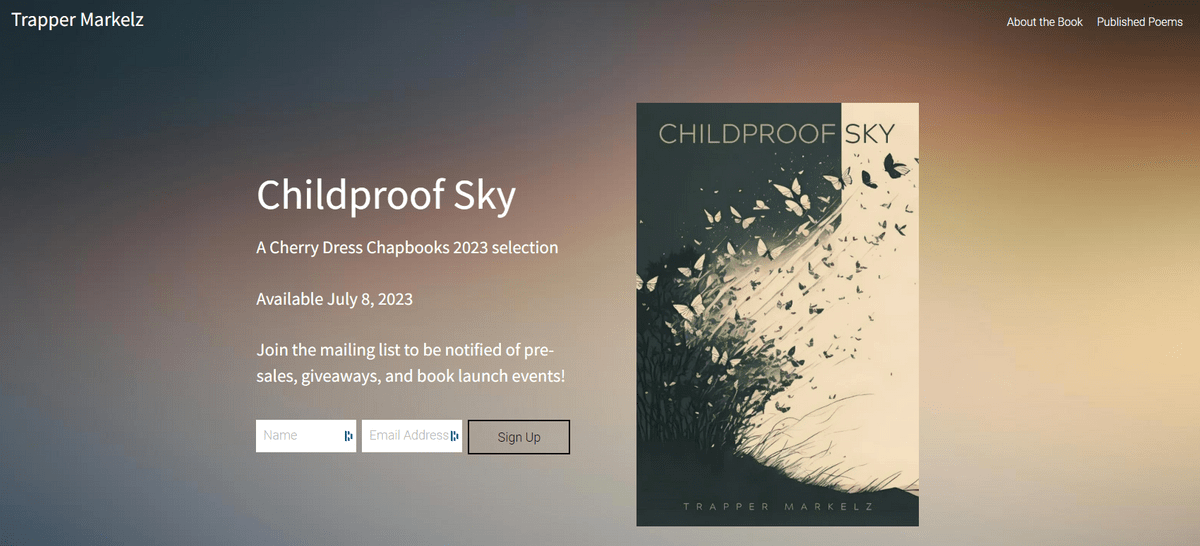
Trapper was born in Alaska, educated at RIT in New York, worked in enterprise IT in Chicago, and entered the consumer web/mobile/startup scene via Boston. He completed the Harvard Business School GMP program in 2015 and has lived the ups and downs (mostly ups!) of a startup CEO. He spends his free time writing poetry (check out my book Childproof Sky!), cycling when he can, produces techno music when inspired, plays video games, appreciates a good Bourbon, likes to fish and reads/watches anything science fiction.
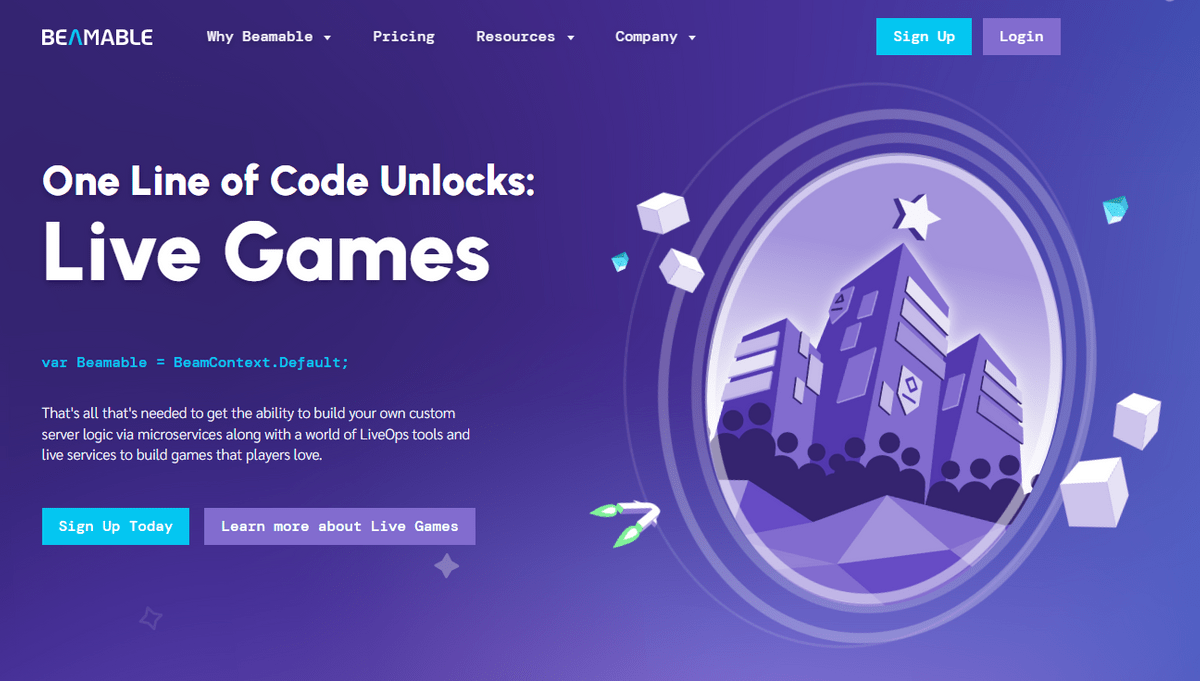
Trapper has 23 years of direct experience building teams, companies, and shipping consumer-facing software products and experiences, many built around online communities. He is currently the Co-Founder and Chief Operating Officer (COO) at Beamable, a gaming development technology company based in Boston, MA.
Prior to Beamable, Trapper was Chief Product Officer (CPO) of Disruptor Beam where he served as Game Director on Star Trek Timelines, worked with blockchain gaming technology, and managed studio production across multiple AAA mobile IP licenses game titles.
Prior to Disruptor Beam, Trapper was the CEO of MeYou Health, working with large employers, small employers, health plans, benefits brokers, and consultants to deliver a wide range of clinically validated online communities that helped people move more, quit smoking, and improve their overall well-being.
Prior to MeYou Health, Trapper was co-founder of GamerDNA, a digital gaming media company that derived insights on the gaming community. This intelligence was applied to many businesses in social media, online content, and advertising solutions for publishers and brands.
Prior to GamerDNA, Trapper co-founded 360voice.com, an online Xbox gaming community that pioneered auto-blogging technology to drive new ways of interacting around games using data. As part of that project, he designed and coded a data-driven competitive gaming system for Proctor & Gamble that integrated into the Xbox 360 game console as part of a large media campaign that handed out over $100k in prizes.
Trapper also worked in Chicago, IL for Spencer Stuart and Associates for over 8 years, pioneering agile development methods and the adoption of enterprise technology.
Trapper lives in Arlington, MA with his wife Maureen, three daughters Hannah, Lucy, Alice, and his son Jack.
Projects
A few things I'm always working on...

Poetry Collection: Childproof Sky
Childproof Sky (published by Cherry Dress Chapbooks) is a 22-poem, 31-page chapbook about the loss of my daughter from SIDS in 2009 captured from the perspective of myself as a father and husband. The poems span 13 years and touch on moments of loss, sadness, resilience, love, and hope.
Purchase the book at https://childproofsky.com

My Company @ Beamable
Beamable's mission is to enable Unity game developers to easily add social, commerce, and content management features to their games. If you are a game maker, come check us out! Maybe we can help!

My side project: Modi Boxi!
I teamed up with Jeff Paradiso to launch a 3D printable gaming storage solution with infinite expandability.
We've built up a big community of DIY enthusiasts printing and building all sorts of 3D storage.
We were named a "Projects We Love" by Kickstater. Check out our backer page!

Follow me on Fishbrain
I grew up fishing in Alaska. I love freshwater ultralight fishing in New England. Bass. Perch. Crappies. Bluegill.
If you like fishing, check out my Fishbrain profile where I log my catches and give me a follow!

My Discogs Vinyl Collection
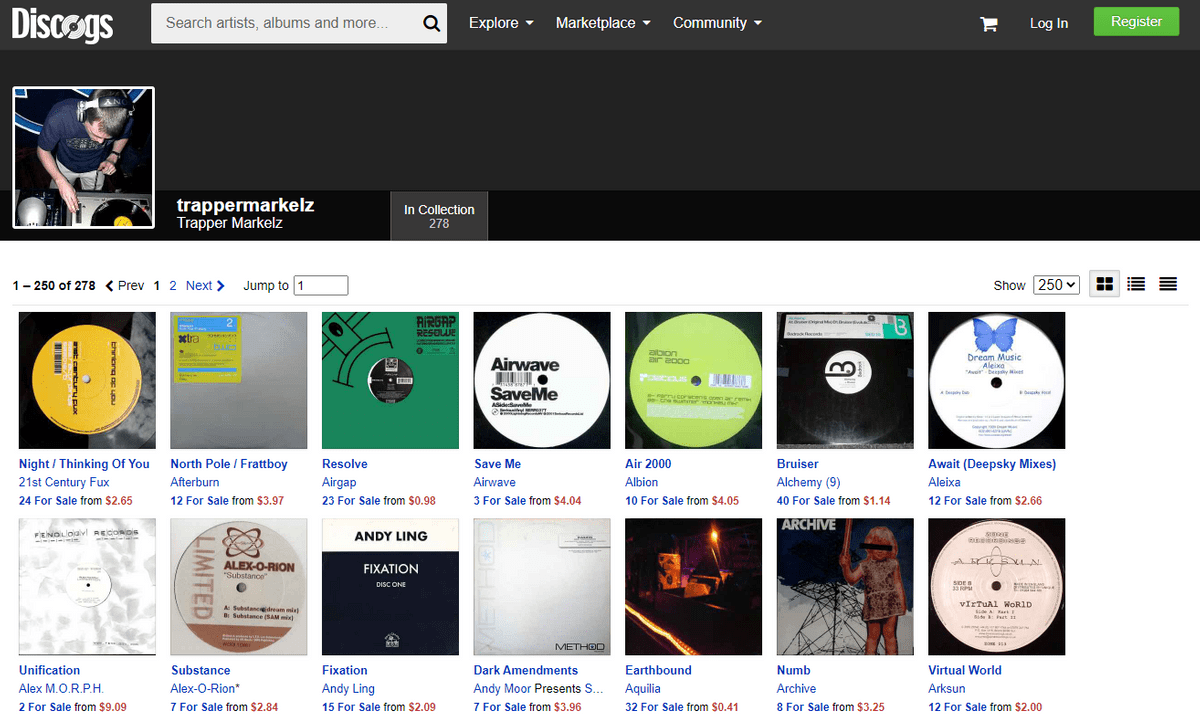
I did some Trace/Prog/House DJing back in the early 2000s. I still have over 250 albums and 300 records that I've put up on Discorgs. It is all classic electronica from 1999-2003

My NFT Collection
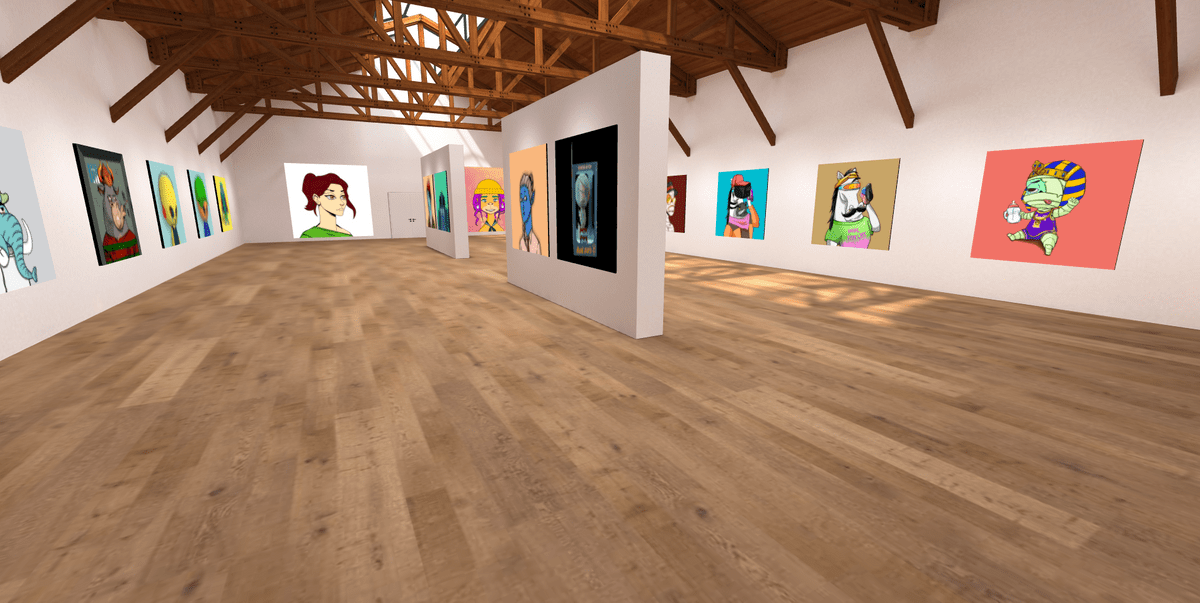
As a technology enthusiast, I love exploring the latest trends. NFTs are lighting the crypto world on fire and I am involved in a number of communities and projects. You can see a portion of my collection in this 3D gallery.

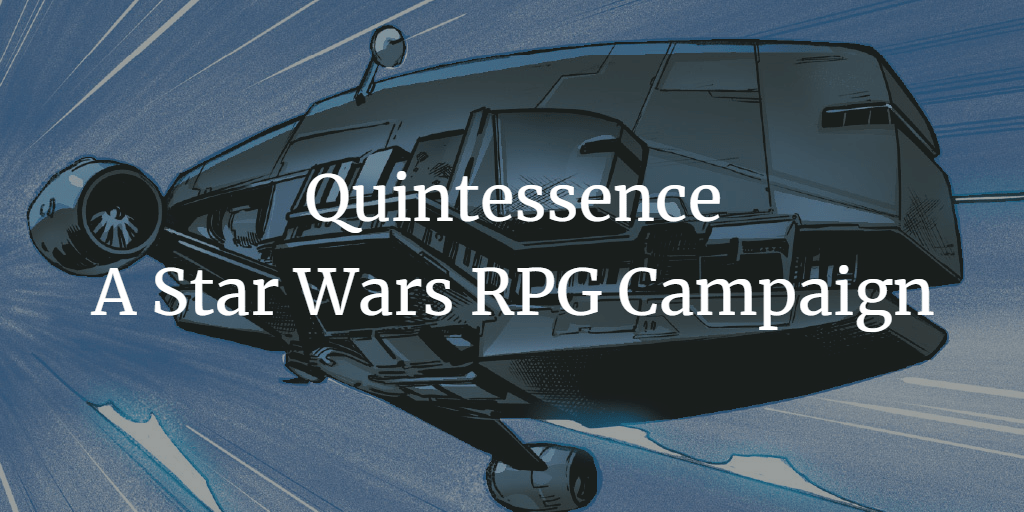
My Original Star Wars RPG Campaign
In 2021, I wrote up a custom four-session campaign for Fantasy Flight Games' Star Wars RPG system. I borrowed heavily from ideas, text, and images across the internet to put all their pieces together for my players. I present that campaign here as a Google Doc and supporting Google Sheet and Google Slides to provide ideas for other players. If you use anything from my campaign, I'd love to hear about it!
My TEDx Talk @ Youtube
Fulfillment Mechanics
In 2010, I gave a TEDx Nashville talk on the role of gamification in product design. It was an amazing experience.